


Microsoft to End Support for OneDrive Sync App on Older Windows Versions by 2026
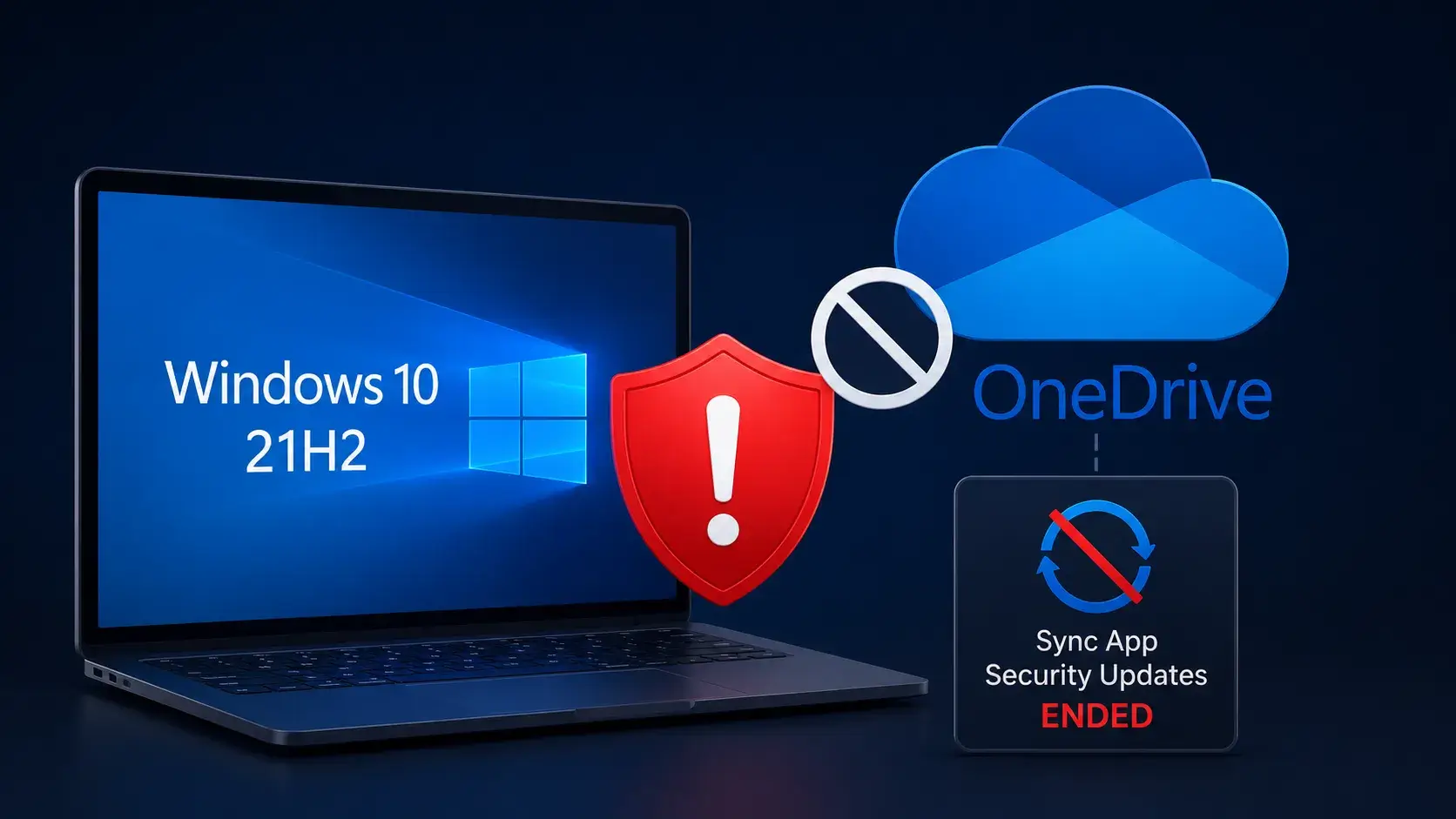
In a significant announcement, Microsoft has revealed plans to discontinue delivering feature updates, bug fixes, and security patches for the OneDrive sync app operating on Windows systems running version 21H2 and earlier. This change is set to take effect on August 15, 2026, marking a critical transition for organizations relying on older endpoints.
As detailed in a recent communication via the Microsoft 365 Message Center notification MC1426708, this initiative poses a considerable risk for organizations still operating on legacy Windows platforms. While the OneDrive sync app will continue to function for a time post-cutoff, Microsoft emphasizes the need for businesses to take proactive measures to secure their file synchronization infrastructure.
The OneDrive sync app plays a vital role in synchronizing local user folders with Microsoft 365 and OneDrive cloud storage, forming an integral part of the collaborative toolkit employed by many enterprises. With the cessation of support, devices running the affected versions will no longer receive crucial updates that rectify bugs, address emerging security vulnerabilities, or resolve compatibility issues. Although the existing installations may work initially, Microsoft warns that this does not ensure continued performance over time. As cloud services, authentication protocols, and app functionalities evolve, it is likely that users will begin to encounter issues.
This announcement is specifically aimed at users still operating on Windows 21H2 and older releases. Conversely, those utilizing systems running Windows 22H2 and later will continue to benefit from ongoing OneDrive sync app updates, including feature enhancements and security fixes, through October 10, 2028. This advisory, which was first published on July 13, 2026, and subsequently revised on July 17, underscores the importance of keeping systems current for optimal performance and security.
The decision to end support for the sync app on older platforms introduces serious security implications for organizations. Unsupported synchronization software may quickly become a target for cyberattacks, particularly if vulnerabilities arise related to local file management, authentication workflows, or interactions with Office and Microsoft 365 services. Although Microsoft has not specified an active threat driving this decision, the transition should be regarded as a significant operational security concern. Organizations must implement strategies that address the potential risks associated with aging technology.
IT administrators are urged to conduct thorough audits of their systems to identify any endpoints running Windows 21H2 or earlier. This is especially crucial for remote or seldom-connected devices that may evade standard inventory tracking. To mitigate risks, Microsoft strongly recommends upgrading systems to Windows 11, provided hardware and application compatibility permits. In situations where an immediate upgrade to Windows 11 is impractical, organizations are advised to transition their devices to Windows 22H2 to ensure continued support for the OneDrive sync app until the 2028 cut-off.
Moreover, security and IT teams are tasked with reviewing the usage of OneDrive on affected machines. This includes assessing whether sensitive information is synchronized locally and confirming that endpoint security controls—such as full-disk encryption, endpoint detection, and response measures—are implemented effectively. It is equally important for organizations to establish compliance policies for their devices.
Help desk teams should also be prepared to assist users whose systems cannot be immediately upgraded. Microsoft has confirmed that access to OneDrive via a supported web browser will continue to be available as an alternative, ensuring user access to synchronized files regardless of the sync app’s status.
While Microsoft has indicated that no changes to tenant configurations are necessary, it is crucial for organizations to revise their internal lifecycle documentation, update user communication strategies, and modify endpoint remediation plans in anticipation of the August 15 deadline. Delaying necessary upgrades might result in businesses becoming reliant on an outdated OneDrive client that, while functional today, lacks necessary security updates and future compatibility.
As this transition approaches, organizations must prioritize their upgrade strategies to safeguard their operations and maintain secure access to their collaborative tools and data. The urgency to migrate from unsupported software cannot be overstated, as the implications of remaining on older systems could expose businesses to unnecessary risks in an increasingly digital landscape.