
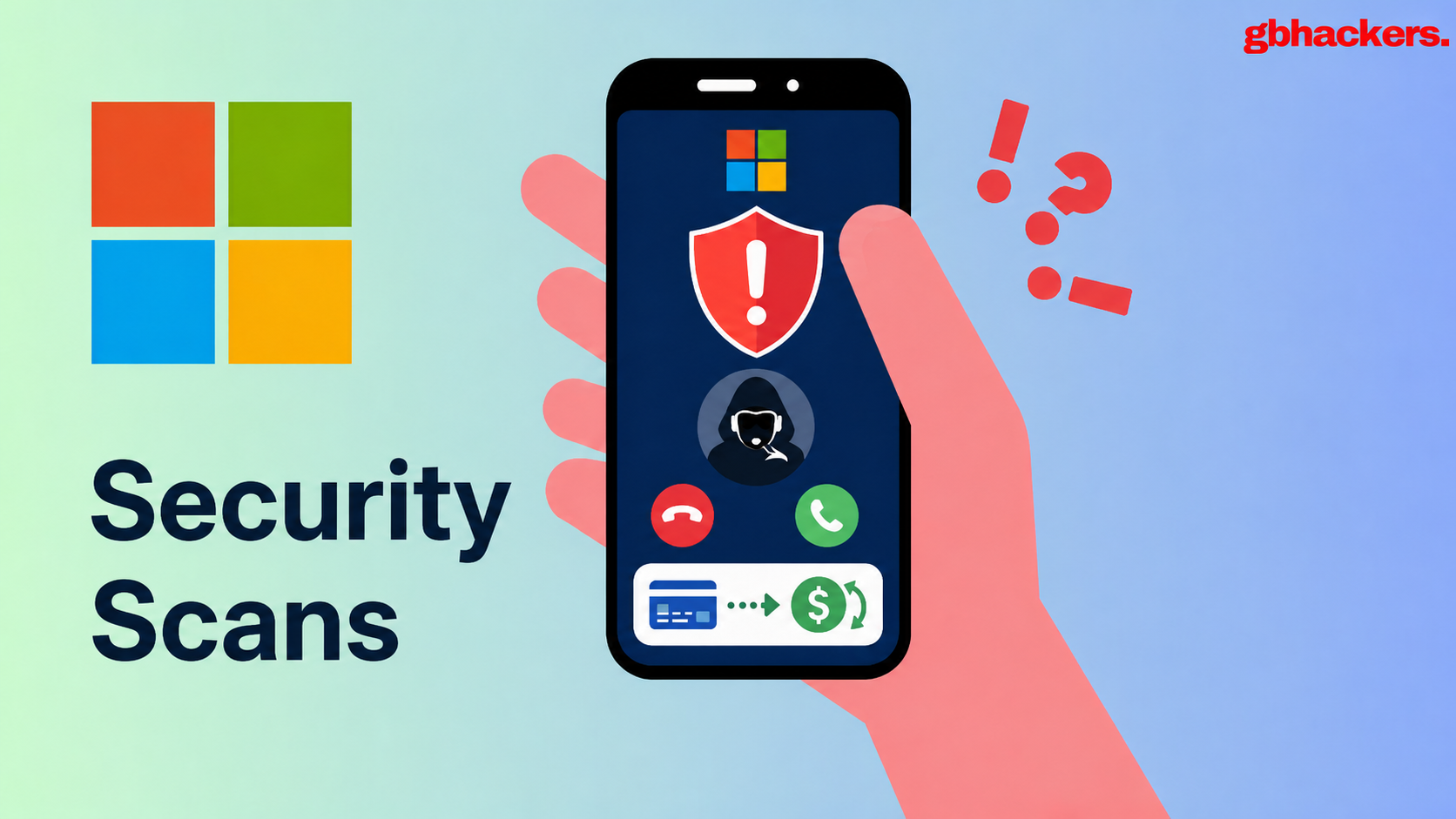


A rising wave of fraudulent websites posing as Microsoft has emerged, employing deceptive “security scans” to coerce unwitting users into uninstalling their antivirus software. These nefarious sites, branded under the name SysScan, claim their goal is to evaluate whether the user’s antivirus protection is functioning correctly. However, the modus operandi of these scams is alarmingly systematic, with their so-called security assessments leading to harmful outcomes.
From the onset, these fraudulent sites assert that the victim’s computer is at risk because Microsoft purportedly no longer supports third-party antivirus programs. This claim, however, is unequivocally erroneous. Microsoft Defender Antivirus is specifically designed to coexist with non-Microsoft security products and can operate in a passive mode if a registered third-party antivirus is in use. This trickery relies on the twisted interpretation of legitimate Windows behavior regarding antivirus software coexistence.
Upon closer examination, researchers have uncovered a total of eleven SysScan-themed domains, all hosted on a single server. While the branding may differ across these sites, they follow a consistent pattern in their deceptive workflow. Victims are presented with a supposedly authentic security scan that reveals severe yet fictitious security issues. Following this alarming report, the sites instruct users to disable their antivirus software—this crucial step significantly weakens the user’s defenses against potential attacks. Additionally, the scam sites collect personal information, including names, addresses, and banking details, effectively grooming the target for an ensuing social engineering attack via phone.
The fraudulent scanners collect an array of information accessible through the user’s browser. This includes the user-agent string, device specifications, and other browser details. Despite this data collection, the fake security reports are not based on these legitimate values. Instead, the backend code contains approximately 50 static findings, blatantly grouped under “fake checks.” Such deceptions assure that a victim’s browser is incapable of accurately assessing their antivirus health status or any other critical system configurations.
The misleading scoring logic is further designed to reinforce the deception, with results skewed to fall within an artificially constrained range of 13 to 30 out of 100. This framework virtually guarantees that any user will receive a failing score, regardless of their actual antivirus status.
The implications of these scams are troubling. The prescribed action of removing a legitimate antivirus program opens a significant vulnerability in the victim’s digital defenses. Once this step is executed, the scammers may attempt to exploit this weakness by installing remote management tools or deploying other malicious payloads. Notably, the scam operators appear prepared to target sophisticated users, including those operating in corporate environments, as evidenced by their inclusion of enterprise-grade antivirus products in their deceitful forms.
The scam exploits a legitimate aspect of Windows antivirus management, where Microsoft Defender may scale back its activity when a compatible third-party product is detected. However, this behavior does not equate to a lack of support for such products. After producing fabricated scan results, the scam sites request victims fill out extensive forms that ask for personal details, including bank names and information relating to installed antivirus products.
The intricacy of the scam is apparent when examining the design of the form submitted by victims. Fields for Agent ID and Agent Name point toward a format that seems tailor-made for call-center operators guiding victims through the fraud process. The perpetrators utilize Telegram’s bot API to send collected data instantaneously, streamlining their operations further while minimizing costs and promoting disposability when domains are flagged.
Despite claims that no data is collected, the scammers actively contact external IP and geolocation services, creating an extensive web of deceit. Victims who find themselves caught in this trap are advised to take immediate action, disconnecting from the internet, removing any installed remote access tools, and running scans with trusted antivirus software from a separate, clean device.
As the fraud unfolds, victims are often met with waiting pages promising that a “refund manager” will call within minutes, attempting to shift the scam into its next stage. Individuals are strongly encouraged to avoid websites promising exhaustive security evaluations and to rely on a passable understanding of legitimate refund processes. The Federal Trade Commission (FTC) warns the public that authentic refund administrators will never require remote access to a user’s computer or demand payment upfront for alleged refunds.
In light of these alarming developments, users need to be vigilant, equipping themselves with knowledge to recognize fraudulent schemes and maintain their cybersecurity.