
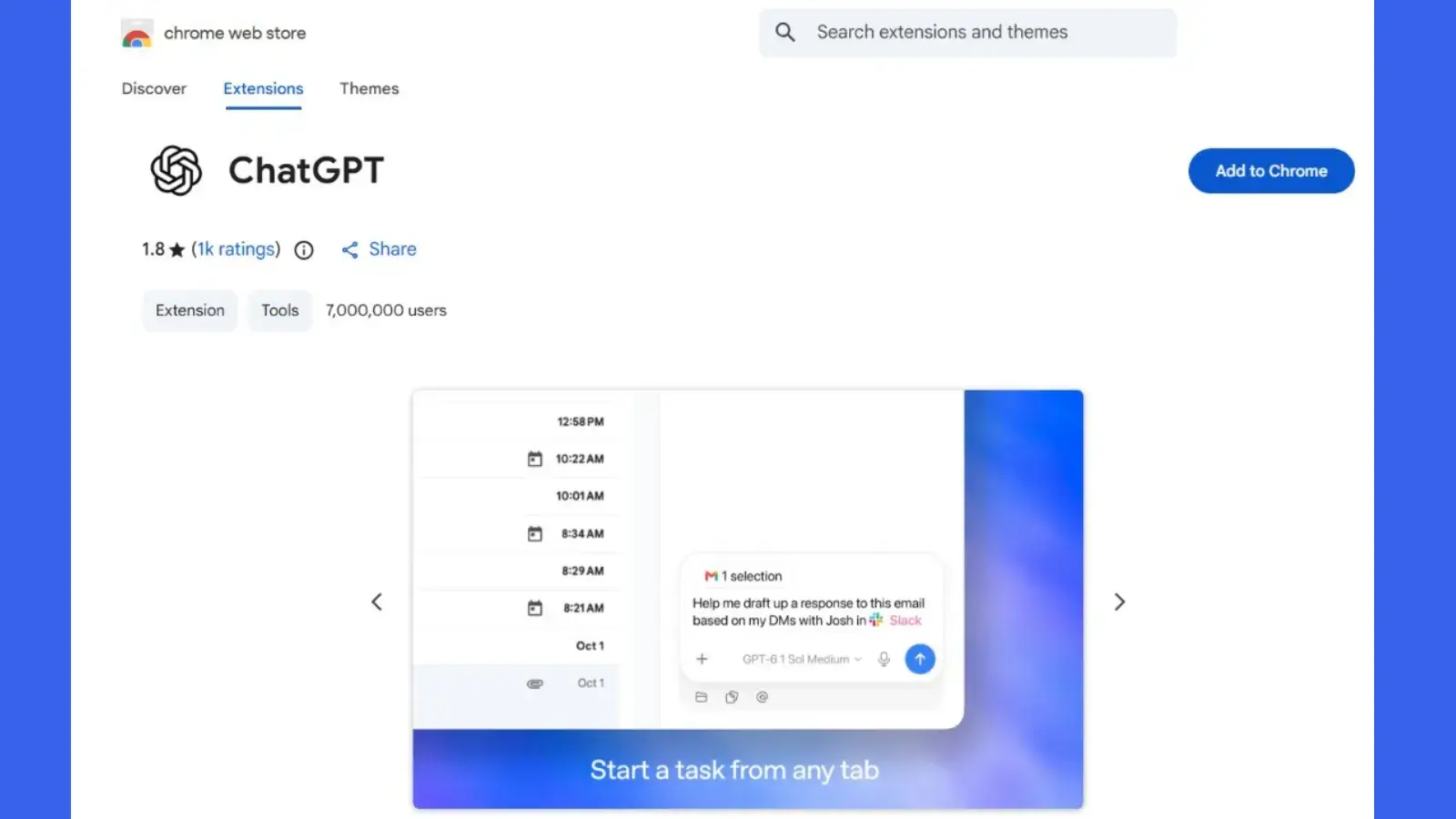
OpenAI recently unveiled a significant enhancement to its Chrome integration, allowing ChatGPT to interact more seamlessly with users’ open browser tabs. This development aims to enhance productivity and user experience by providing more tailored responses based on the information readily available in a user’s browsing environment.
### The New Functionalities
In a detailed announcement shared via ChatGPT’s official account on X, two main workflows were introduced: “Chat” and “Work.” The “Chat” mode is designed to utilize the content found in existing tabs to inform and refine its responses. In contrast, the “Work” mode is geared toward actively controlling browser tabs to complete various tasks. Users can expect a more dynamic interaction where ChatGPT can not only respond to queries but also assist in carrying out actions directly within the browser, ranging from messaging to form submissions.
### Implications for Cybersecurity
This expanded functionality is particularly relevant for cybersecurity teams who must consider the implications of combining browser visibility with automated actions. The ability for ChatGPT to access information from multiple tabs reflects a leap towards a contextual understanding that could significantly enhance user interactions. However, this poses new challenges regarding the security and privacy of user data.
A critical concern revolves around the control that ChatGPT will have over authenticated sessions and sensitive information. As it can potentially read and act upon data from a user’s open tabs, questions arise about the distinction between user-initiated commands and the assistant’s understanding of webpage content. Such intricacies demand careful scrutiny, particularly in environments handling sensitive data such as internal documents and customer records.
### Access and Permissions
While the integration presents a myriad of possibilities, the specifics of the extension’s technical architecture remain somewhat ambiguous. The announcement stops short of detailing the Chrome permission scopes required for the extension to function or whether access is granted to every open tab automatically. This opacity raises vital questions about how the extension processes, retains, or excludes tab content. For enterprises, this lack of clarity necessitates a thorough analysis in order to assess potential security vulnerabilities.
The key security issue primarily pertains to authorization. Organizations need to understand what information ChatGPT can access, the actions it might perform, and the moments when user approval is required. This understanding is crucial for maintaining the integrity of sensitive data within browser tabs.
### Considerations for Enterprises
For businesses contemplating the implementation of this integration, multiple factors must be considered. One of the pressing concerns is whether access can be restricted to specific sites, tabs, accounts, or even browser profiles. Additionally, it’s essential to evaluate how ChatGPT interprets and executes instructions that may originate from untrusted webpage content. This aspect is particularly relevant when workflows transition from simply reading information to performing actions such as composing messages or submitting forms.
These considerations are not indicative of an immediate security flaw within the integration but serve as evaluative inquiries into its safe deployment. The announcement does not suggest there has been any security incident, exploitation campaign, or established bypass.
### Security Review Recommendations
Before organizations decide to deploy this extension, security teams are urged to conduct an extensive review of several critical elements. They should scrutinize the publisher’s verification status, examine the permissions requested by the extension, and analyze the data handling documentation. Understanding the available administrative controls is equally important.
Furthermore, testing protocols should be established to confirm whether significant actions necessitate user confirmation, whether users can review their planned submissions, and whether these activities are logged for potential investigations. Implementing separate browser profiles could also serve as a precautionary measure, delineating appropriate work contexts for the assistant’s capabilities.
### Conclusion
While OpenAI’s announcement elucidates the intended functionality of this revamped Chrome integration, it leaves many operational safeguards unaddressed. Organizations are advised to base their deployment decisions on verified implementation details rather than complacently assuming that protections are inherently built into the integration. In a rapidly evolving landscape of digital interactions, navigating the balance between efficiency and security will be more critical than ever for users and businesses alike. The ability to enhance productivity through AI must be matched with stringent measures to safeguard sensitive information, ensuring that the tools designed to help do not inadvertently compromise security.