
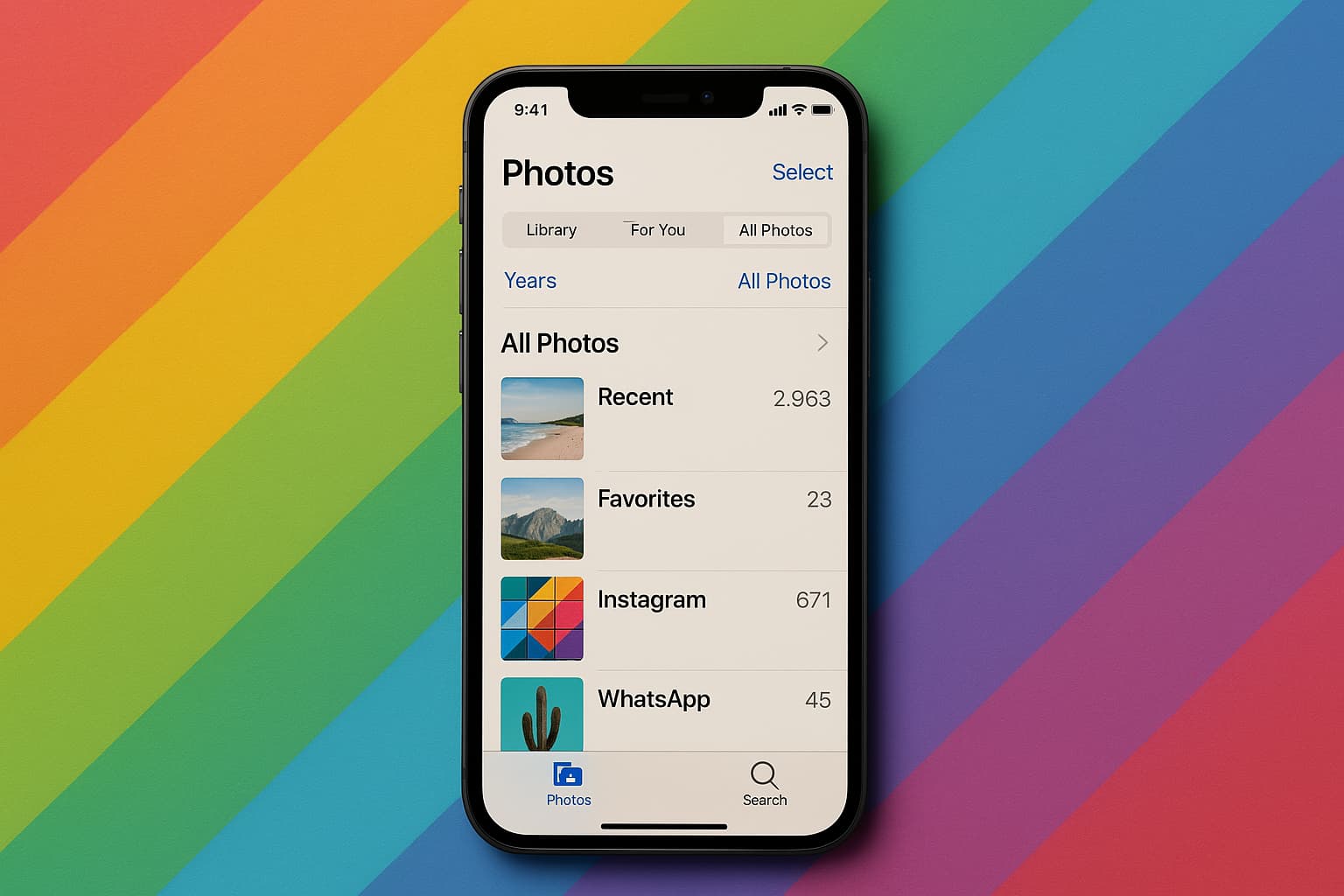


In the world of iPhones, accidentally deleting photos is a common mistake that many users make. However, the good news is that there are ways to recover those deleted pictures, thanks to the built-in options provided by Apple and specialized recovery software available in the market.
When it comes to retrieving deleted photos on an iPhone, the first place to check is the “Recently Deleted” album. This folder serves as a safety net, holding onto deleted photos for 30 days before they are permanently removed. By simply opening the Photos app, navigating to the Recently Deleted folder, selecting the desired photos, and hitting the Recover button, users can easily restore their deleted pictures back to their photo library.
But what if the photos have already been removed from the Recently Deleted folder or if it has been more than 30 days since they were deleted? In such cases, users can turn to backups for assistance. Whether it’s iCloud backups, Finder or iTunes backups, or even specialized recovery software like Disk Drill, there are still chances of recovering those seemingly lost photos.
It’s important to note that when using backups to recover deleted photos, users need to be aware of whether iCloud Photos was turned on. If iCloud Photos were enabled, the photos were not included in the iPhone backup and were synced separately with iCloud. In such situations, simply restoring from a backup may not bring back the deleted photos.
For users relying on Finder or iTunes backups, the process involves connecting the iPhone to a computer, selecting the device, and choosing a backup from before the photos were deleted. Restoring from a backup replaces everything on the iPhone with the data saved at the time of the backup, so it’s essential to proceed with caution.
If iCloud backups are the preferred method, users may need to reset their iPhone and restore from an iCloud backup to retrieve the deleted photos. This process involves checking for a usable backup, erasing all content and settings on the iPhone, and selecting the desired backup for restoration.
In cases where traditional methods fail, users can explore the option of using data recovery software like Disk Drill. This software can scan the iPhone directly for recoverable photos or extract them from Finder/iTunes backups without the need to erase the entire device. With user-friendly interfaces and advanced scanning capabilities, data recovery tools offer a last resort for retrieving permanently deleted photos.
Ultimately, the key to successful photo recovery lies in acting quickly and avoiding further use of the iPhone once photos are deleted. By following the recommended steps and utilizing the available options, users can increase their chances of recovering those precious memories.